


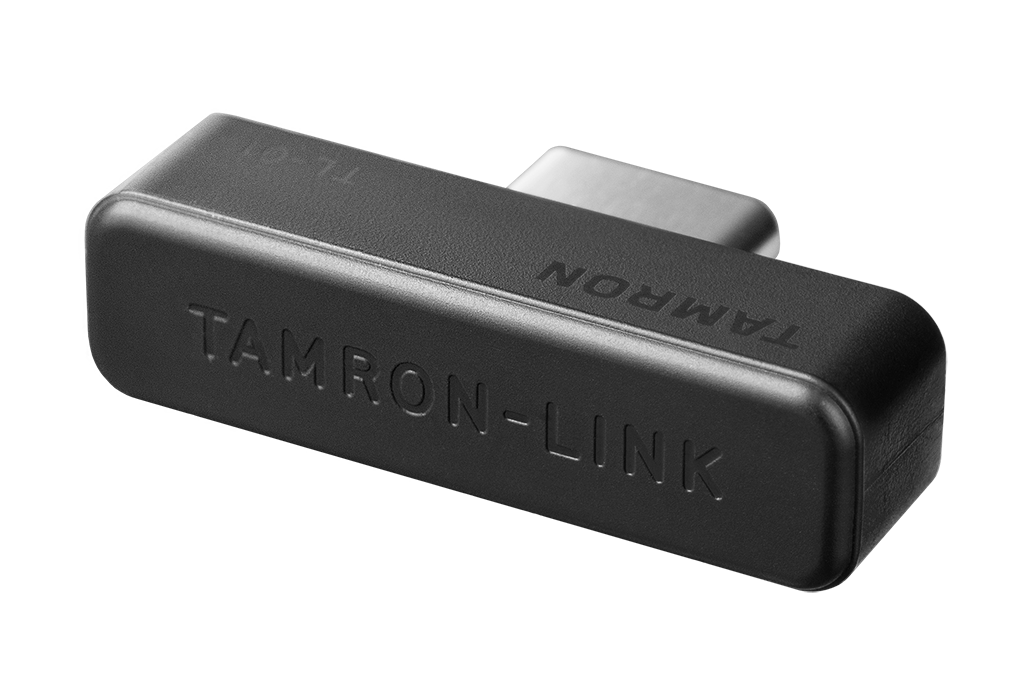
Model TL-01
Tamron Link
Innovative Bluetooth Adapter for Wireless Connectivity between TAMRON Lenses and Smartphones
TAMRON-LINK: Wireless lens control via Bluetooth with your smartphone
By connecting the TAMRON-LINK to a TAMRON lens, users gain the ability to wirelessly operate various lens functions from a smartphone via Bluetooth. This accessory eliminates the need for cable connections, improving on-location workflow efficiency and enabling a more flexible and seamless shooting experience. It supports both iOS and Android devices, allowing users to enjoy TAMRON Lens UtilityTM comfortably.
| Length (mm) | 25.3 |
|---|---|
| Height (mm) | 6.6 |
| Weight (g) | 2 |
| Bluetooth Class | Class 2 |
| Bluetooth Version | Bluetooth 5.4 |
| Range | Max. 5 m |
| Operating Temperature | 0 - 40 °C |
| Operating Humidity | 85% or less |
Customised Lens Control for Today’s Creators
With Tamron Lens Utility and Tamron-Link, you can tailor compatible Tamron lenses precisely to your workflow, from focus functions and video settings to time-lapse and astro features. Designed for photo and video creators who want to unlock the full potential of their lens.

A quick look; Connection & Overview of Tamron Lens Utility
Customise focus, aperture and ring behavior, or save focus positions for repeatable actions. This allows you to create smooth and precise focus and aperture transitions – without complicated setups. Ideal for video workflows, creative shots and maximum control over your lens. 📸✨
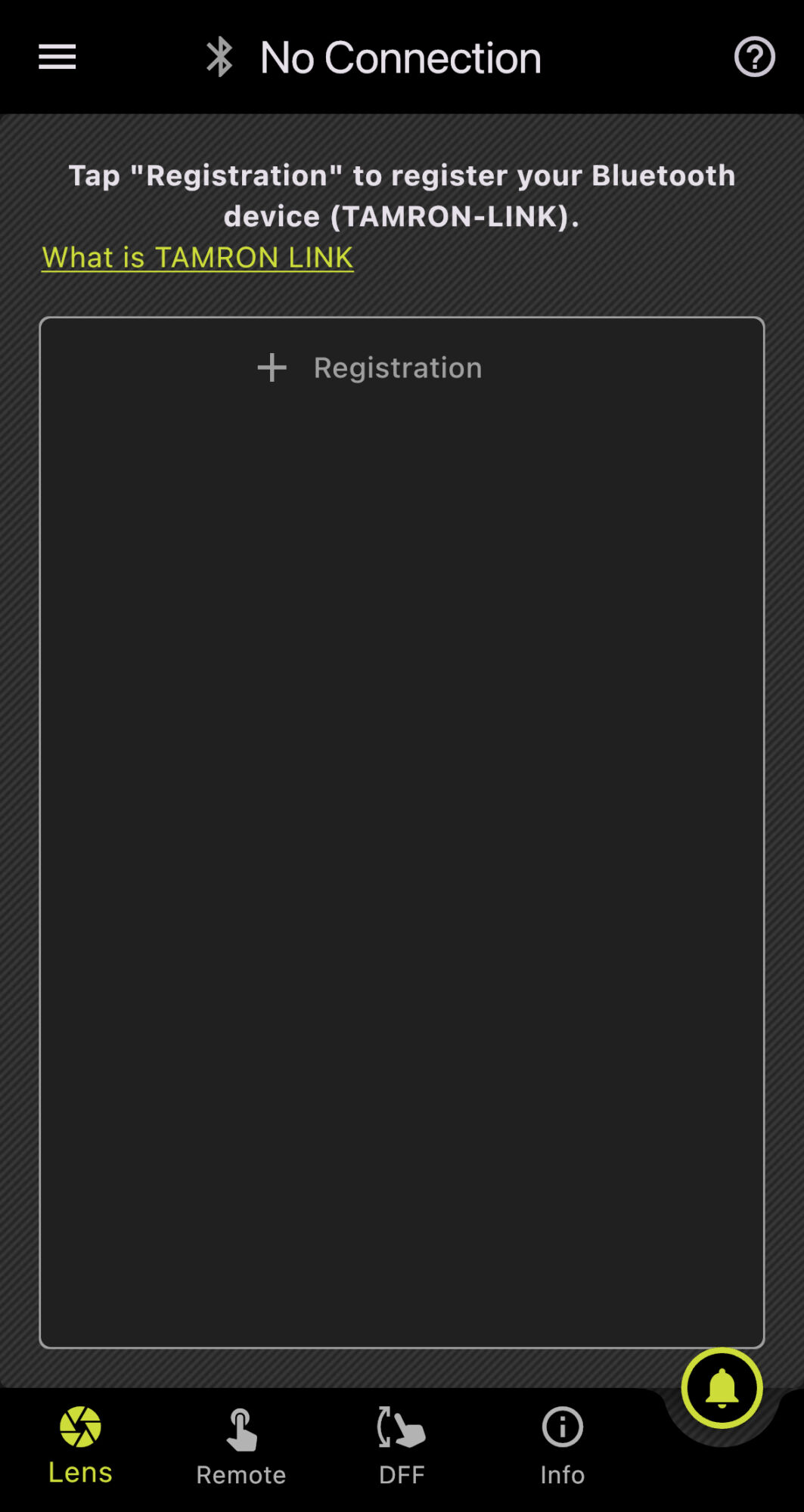
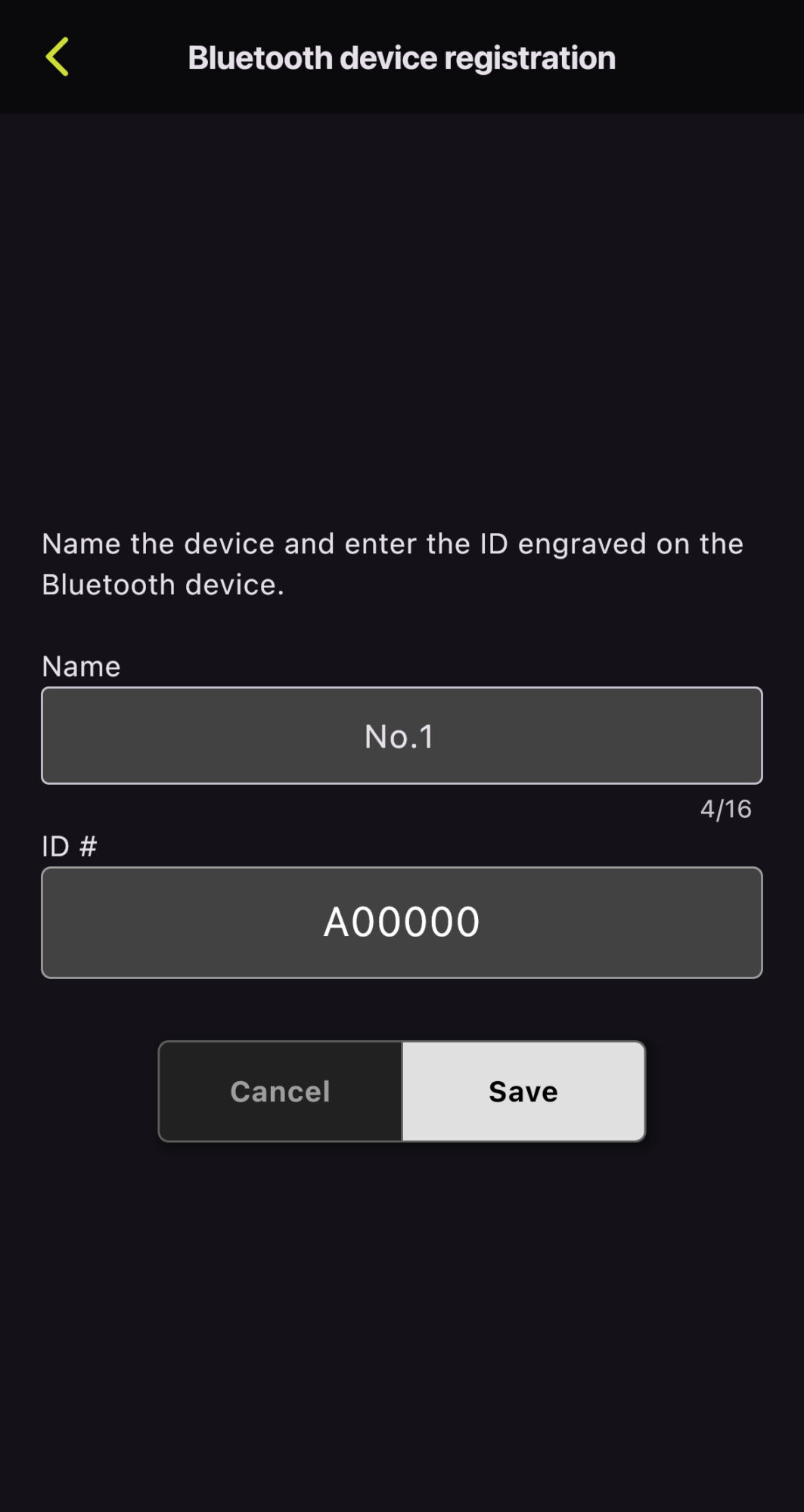
Device Registration
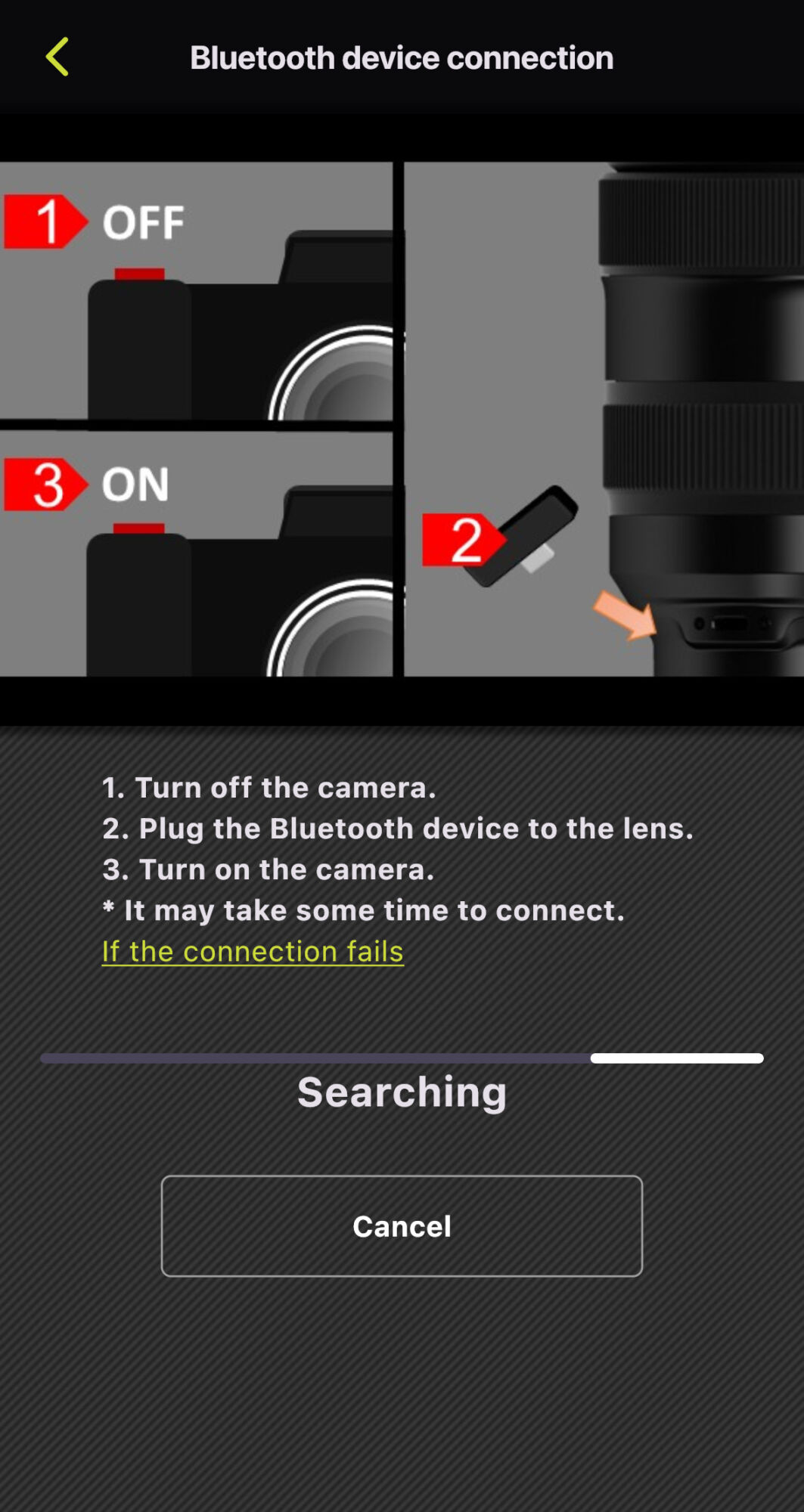
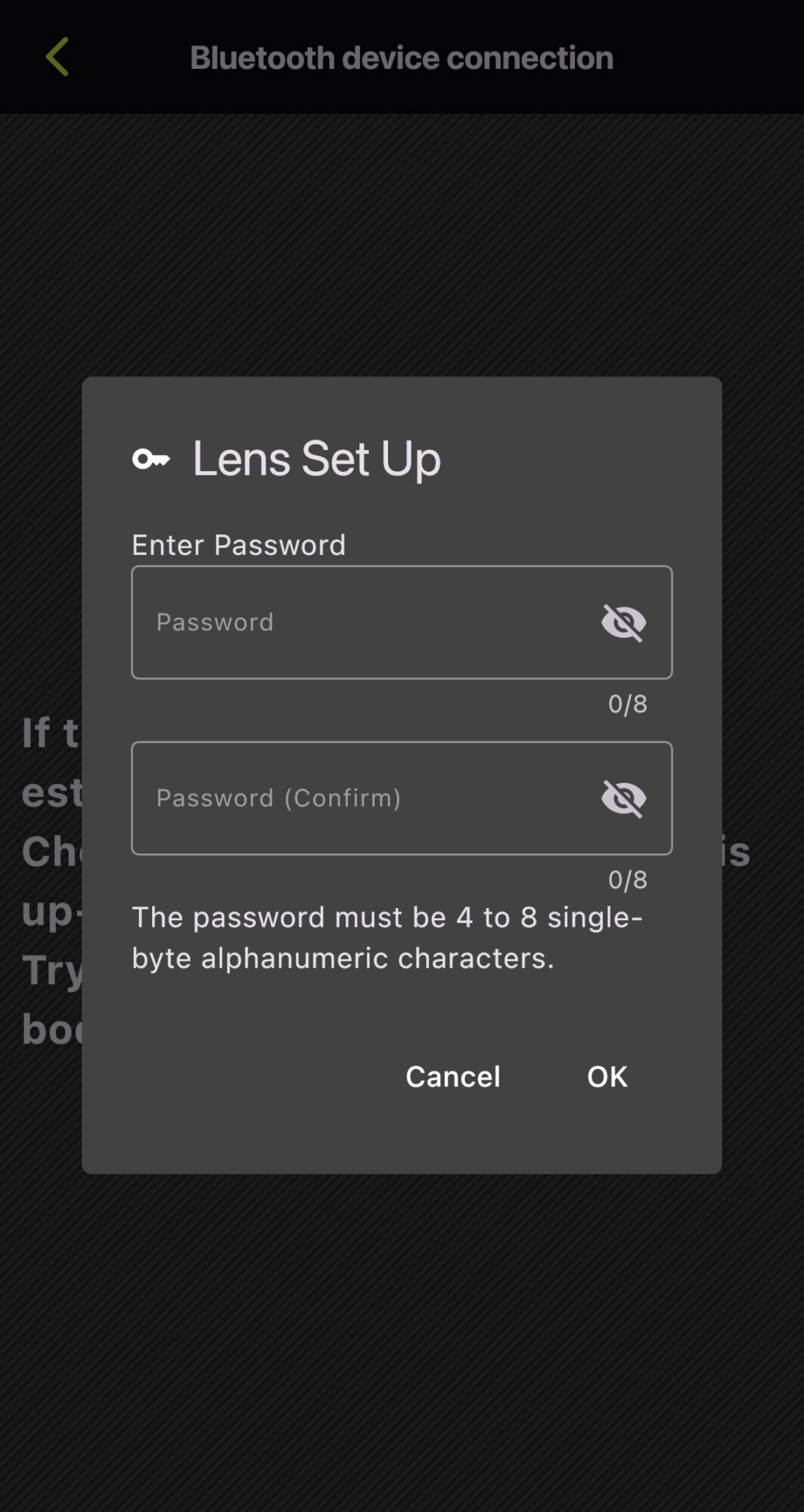
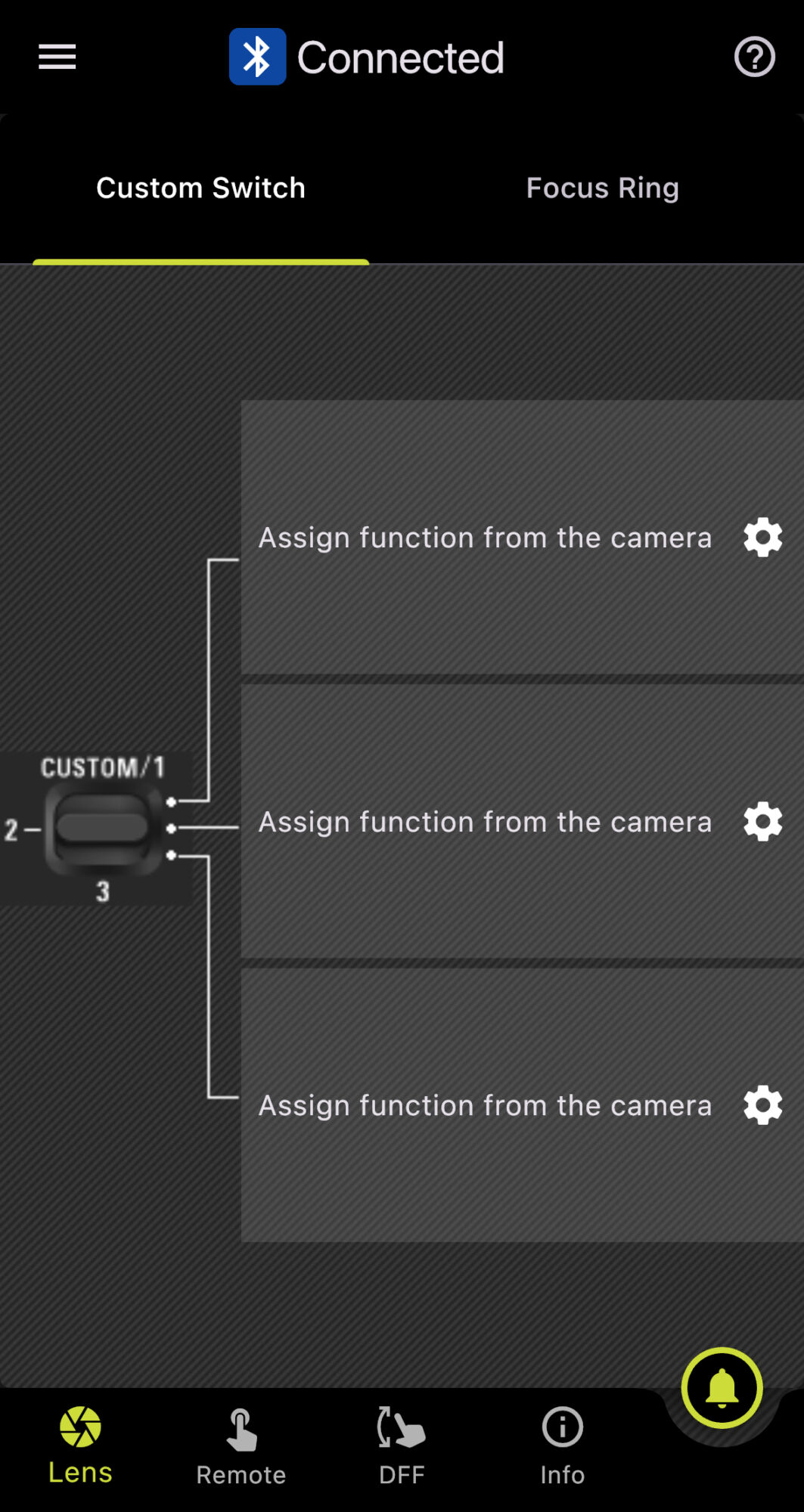
Password Reset
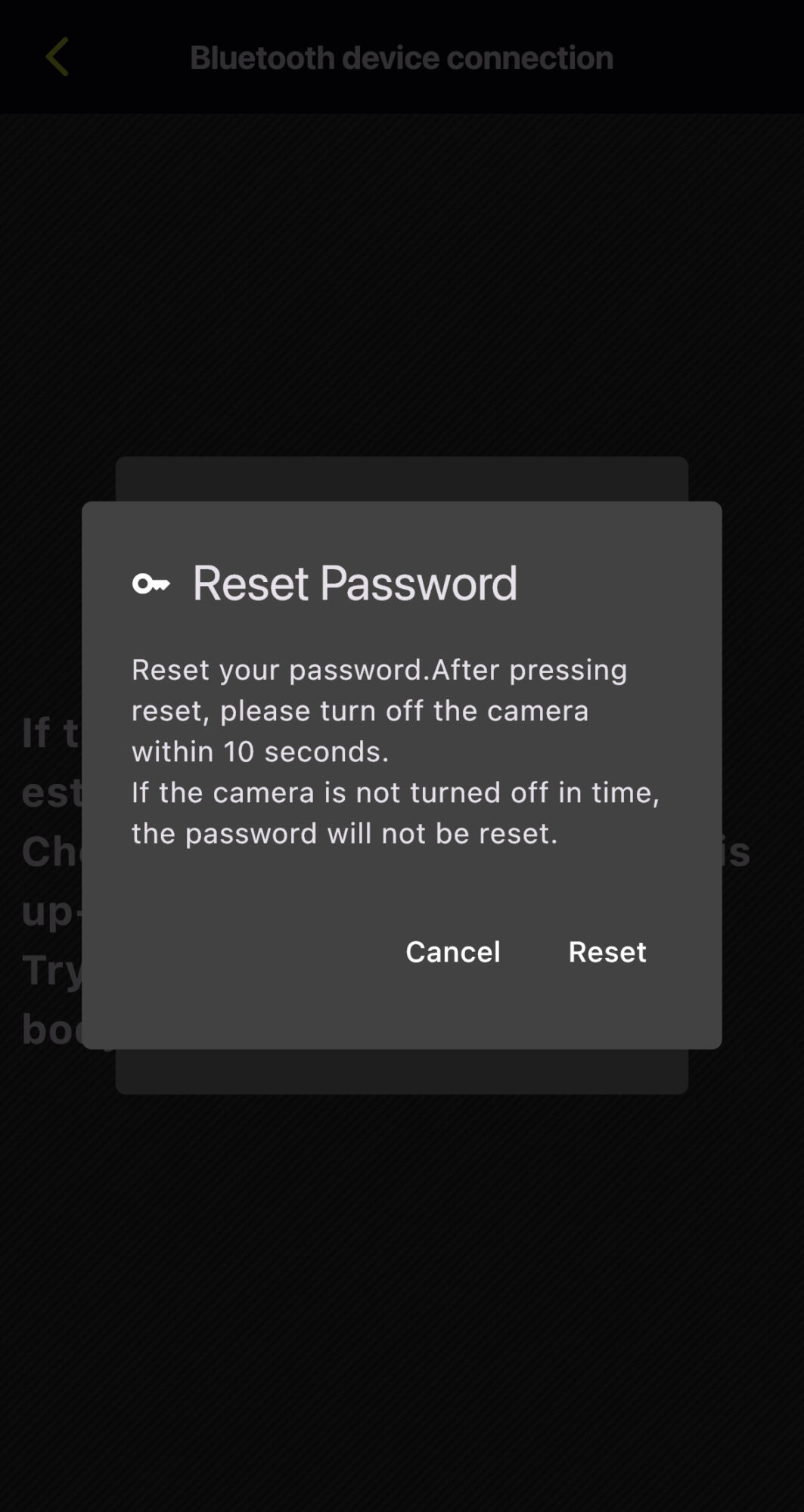
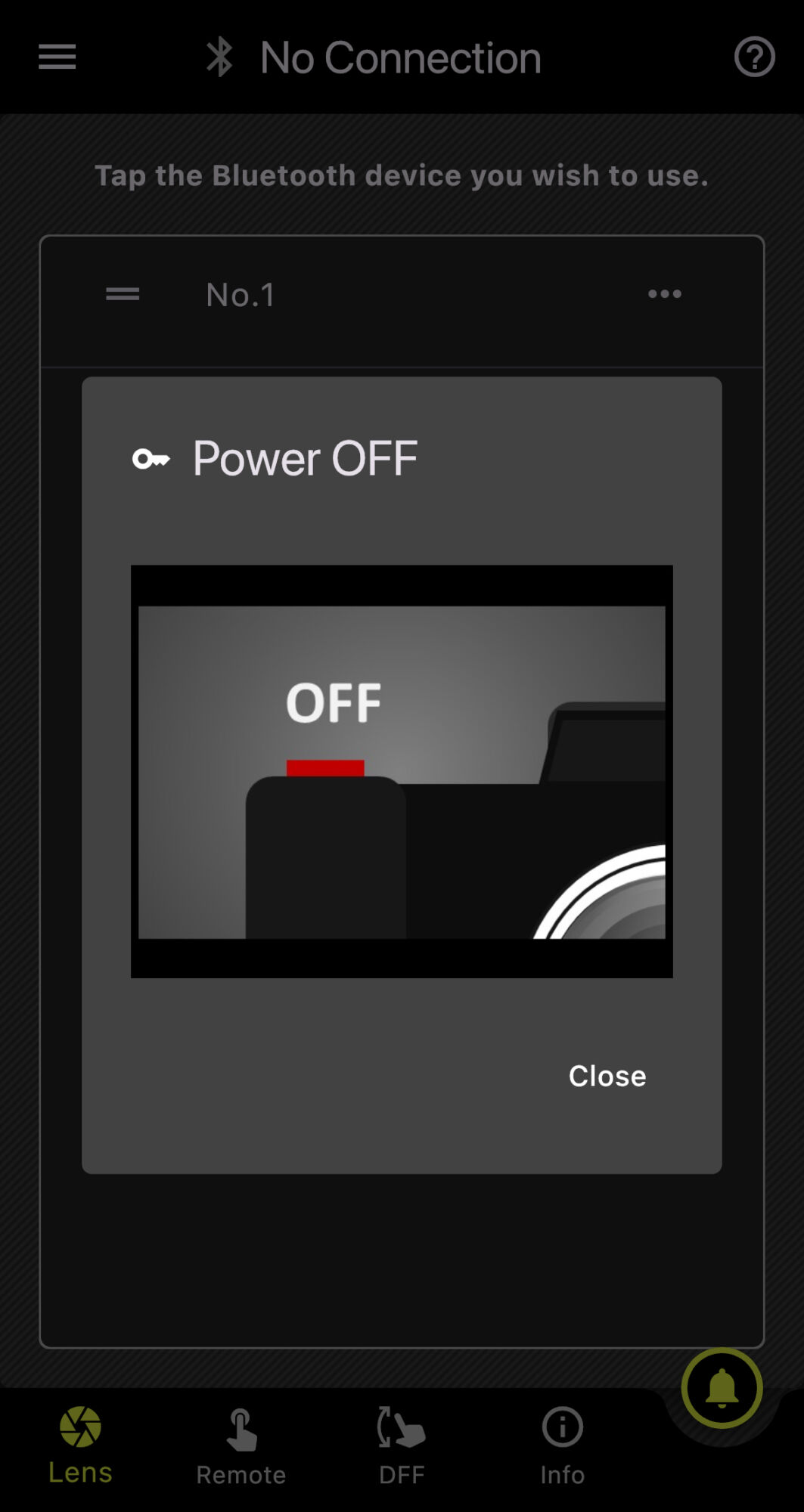
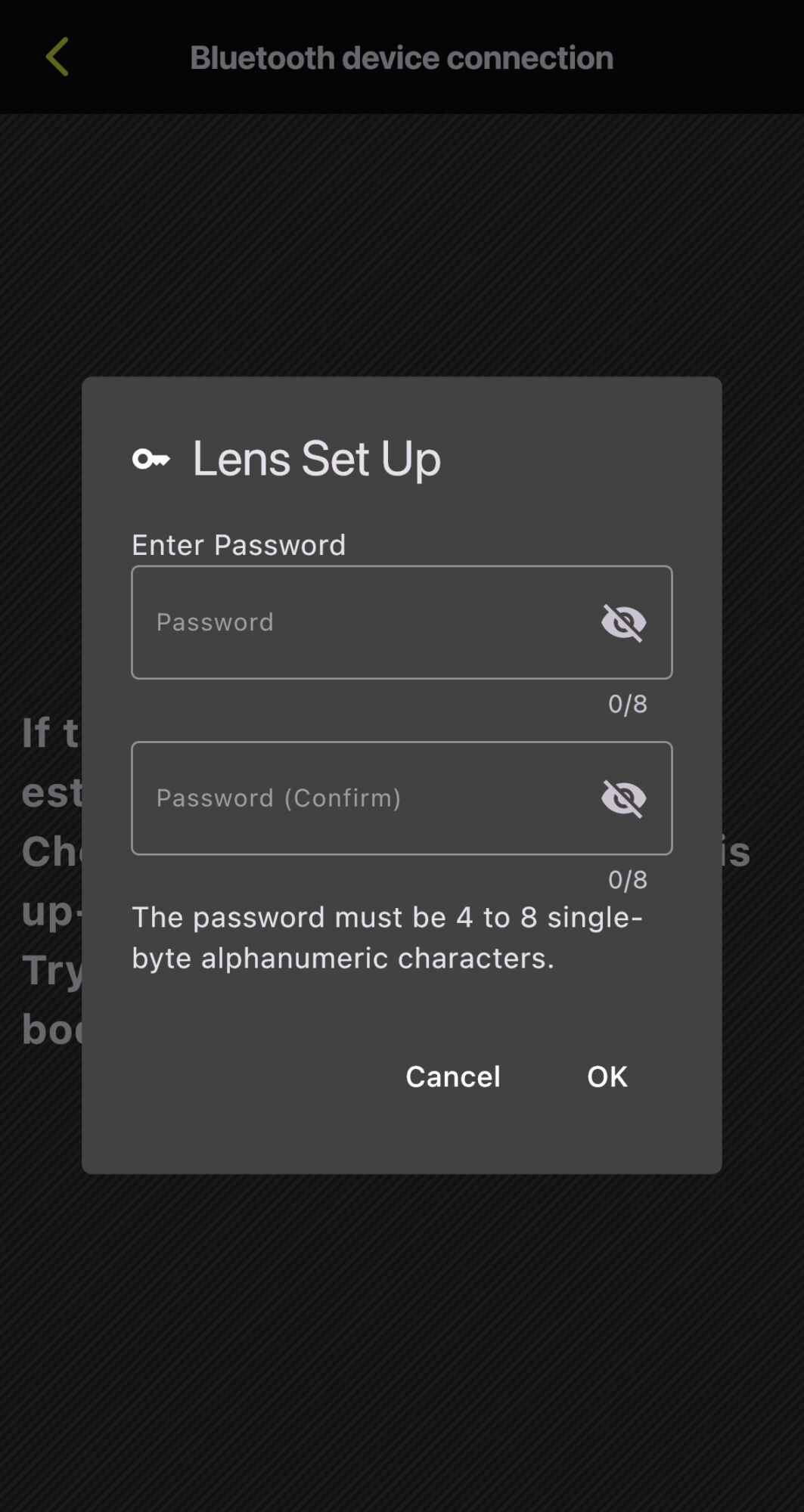
*The screen captures are based on iOS. Display and operation may vary on Android OS.
Notes on Using TAMRON-LINK
To ensure stable and optimal performance of this product, please observe the following points.
- Operating Environment
This product does not guarantee operation with all Bluetooth-enabled devices.
Operation may become unstable, or communication may be subject to delays or interruptions depending on radio wave conditions, physical obstructions, and the status of connected devices in the surrounding environment.
Communication may be interrupted or its speed reduced when used near equipment operating on the same 2.4 GHz band, such as microwave ovens or Wi-Fi devices.
The wireless communication range and speed are approximate figures and may vary depending on the specific operating environment. - Connection and Firmware
TAMRON-LINK can only be used in Japan, USA, Canada, EU, UK, China (including Hong Kong and Macau), India, Australia, New Zealand, Turkey and Vietnam. (As of September 2026)
To utilize TAMRON Lens Utility and TAMRON-LINK, it is necessary to update the compatible lens firmware to the latest version. Please note that the Mobile version does not support lens firmware updates; the PC version must be used.
Information regarding lens firmware updates will be posted on Support page.
The “Compatible Lens List” is available at compatible lenses.
- Others
Battery consumption on the camera and connected device may accelerate during a Bluetooth connection.
This product must not be used in environments where it may pose a risk of interfering with medical equipment or the safe operation of aircraft.
TAMRON is not responsible for any direct or indirect damages resulting from the use of this product.
Trademarks
Product and service names mentioned herein are trademarks or registered trademarks of their respective companies.
iOS is a name of Apple Inc. IOS is a trademark or registered trademark of Cisco
Android is a trademark or registered trademark of Google LLC.
The Bluetooth word mark and logos are registered trademarks owned by Bluetooth SIG, Inc., and any use of such marks by TAMRON is under license.
